SVQ to MIDI: a drawing of a hardware sequencer with SVQ>MIDI on its display, and a floppy disk labeled SVQ.

SVQ to MIDI

Your Roland XP and Fantom‑X sequencer songs, as Standard MIDI Files.

SVQ to MIDI converts the .SVQ song files saved by the XP-50, XP-60, XP-80 and Fantom-X6, X7 and X8 into MIDI files you can open in Logic Pro or any other DAW. It also reads the Performance saved with each song, so every Part starts with the sound it played on the instrument.

Download beta 1 Report an issue

Version 1.0 beta 1 · 2.7 MB disk image · Release notes
Free and open source. Requires macOS 13 Ventura or later on Apple silicon or Intel. Signed and notarized by Apple.

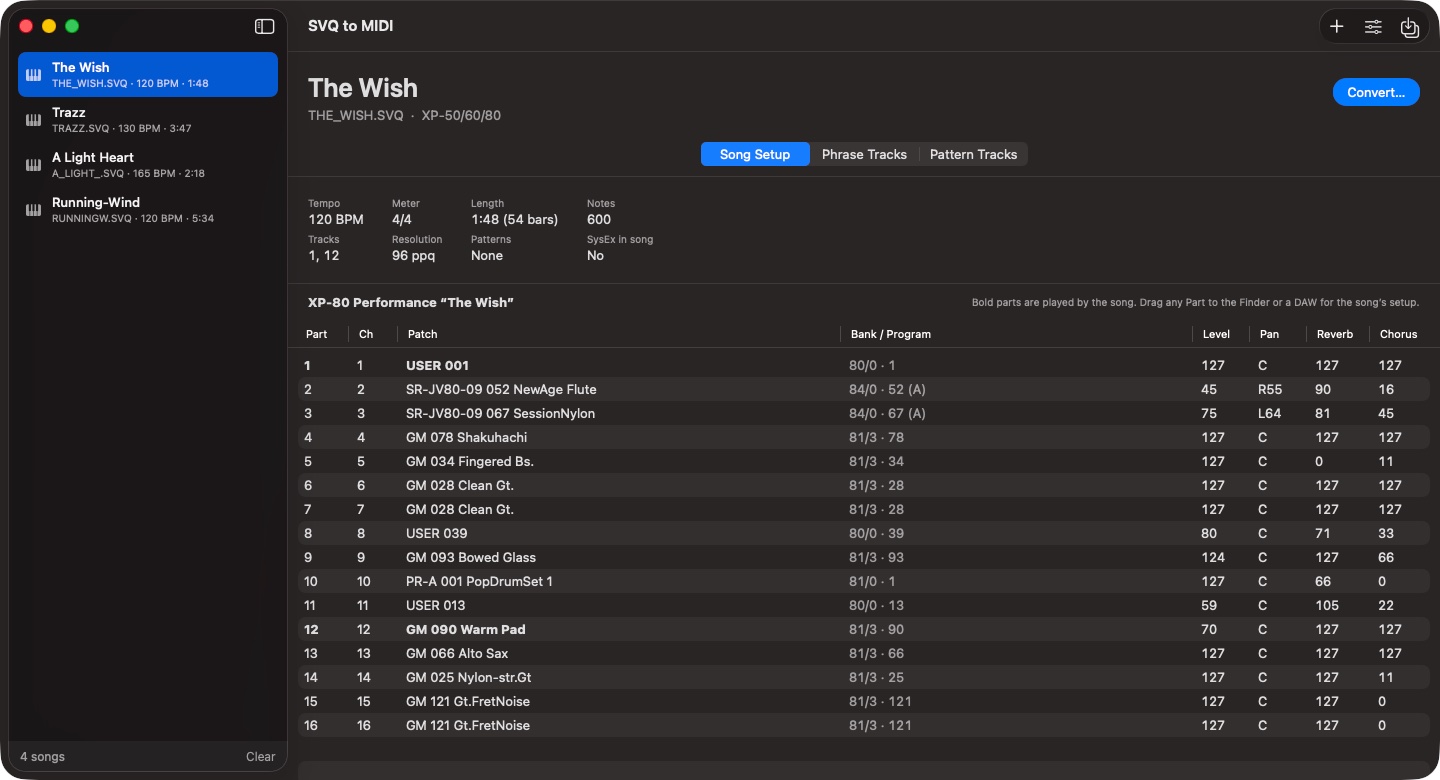
SVQ to MIDI showing the song The Wish: its tempo, meter, length and tracks, and the XP-80 Performance saved with it, listing each Part's channel, patch, Bank Select and Program Change, level, pan, reverb and chorus.
Song Setup shows the Performance saved with the song: every Part's patch, including expansion-board sounds, with its Bank Select, Program Change and mixer settings. Bold Parts are the ones the song plays.

Relive Old Sequences

Pick up where you left off

Turn the songs you saved on the instrument into MIDI files that Logic Pro or any DAW can open. Every track, controller move and tempo change comes across, and patterns are written out in place, so the song plays just as you recorded it.

No more hunting for patches

Each channel's patch selection and mix are set before its first note, so the song comes up on the right sounds the moment you press play, with no Parts to set up by hand.

Hear it exactly as it was

Send the whole setup back to the instrument in one pass, and the song sounds just as it did the day you saved it. On a Fantom-X, that includes user patches and edits you never saved.

Know what every Part played

Every Part's sound is listed by name, even expansion-board sounds and Fantom-X user patches, so moving a song to newer instruments or soft synths starts with a list, not guesswork.

Straight into your project

Drag a whole song, a single track, a pattern or just the setup into Logic Pro or the Finder. There's no export step and no files to tidy up afterward.

Your whole archive in one go

Drop in a folder of old disks' songs and convert them all at once. Save your patterns and phrases as MIDI files of their own, named after them and ready to build new tracks from.
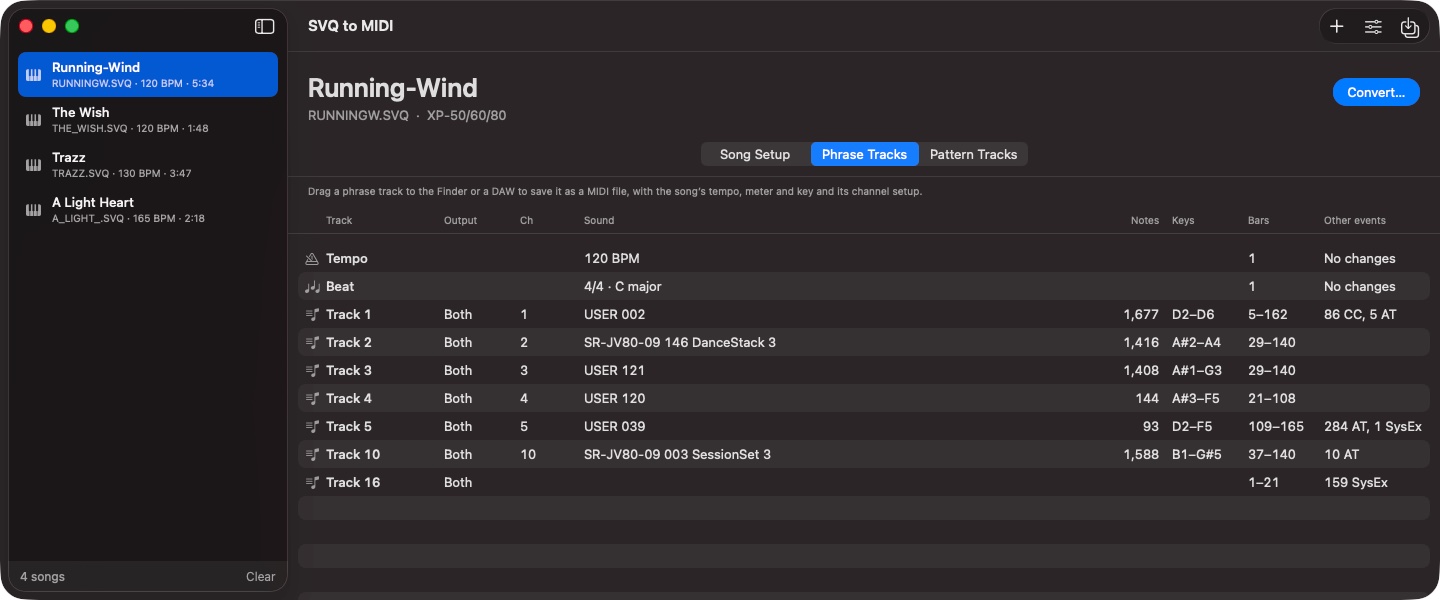
The Phrase Tracks tab for the song Running-Wind: the Tempo and Beat tracks, then each phrase track's output, channel, sound, note count, key range, bars and other events.
Phrase Tracks lists each track's output, channel, sound, notes, range and other events. Drag one into the Finder or your DAW to save it as a MIDI file with the song's tempo, meter, key and channel setup.

Help test the beta

SVQ to MIDI's conversions match MIDI files that an XP-80 and a Fantom-X8 exported from the same songs years ago, but no converted file has been played on the instruments themselves yet. If a song converts or sounds wrong, please open an issue on GitHub, and attach the .SVQ file if you can share it.

Files from other Roland sequencers are especially welcome. MC-80 and Fantom-S songs will probably work; files from the original Fantom, the MC-50mkII and the JV-1000 haven't been tried at all.

Open an issue See open issues

Opening an issue needs a free GitHub account. Want a song to try it on? My XP-80 songs have their .SVQ files.

Requirements